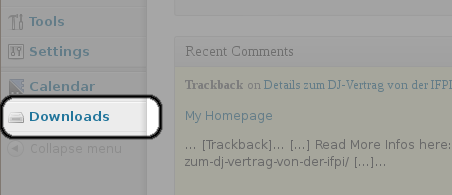
Einloggen und in der Sidebar auf Downloads clicken:
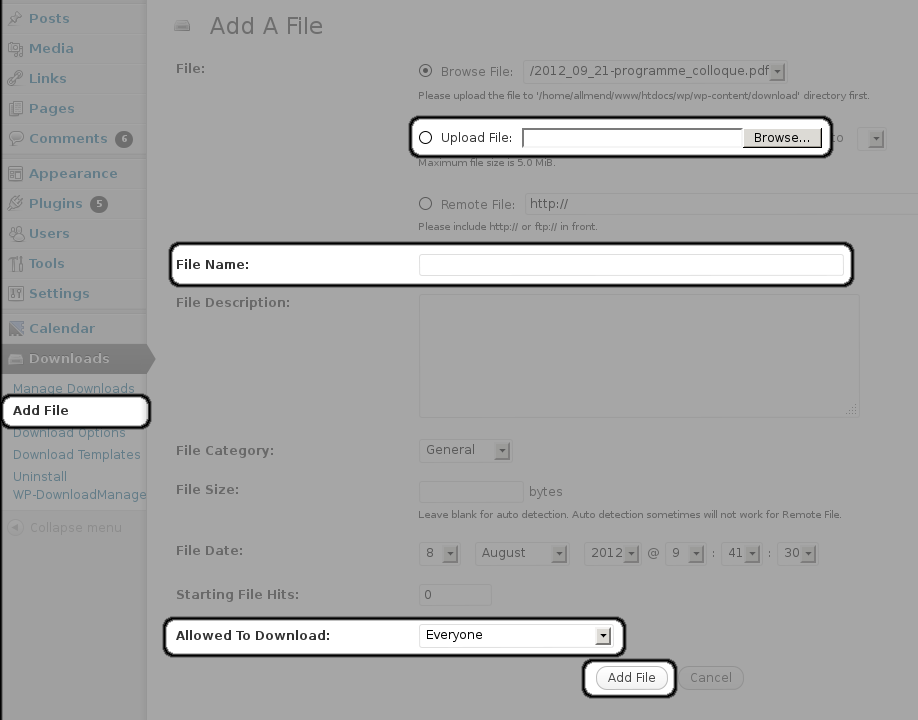
Add a new file:
Click on “Add File”
Choose the file on your computer
Set the “file name” exactly the same as the file you’re uploading
(In the future, I hope to find out, how setting the file name works! For now, it has to be the same as the uploaded file)
Define who is allowed to download the file
(For now, the files are in a directory which is world readable: so somebody who knows finds out where the files are located on the server, can download them: this will change in the future but, until then, do not upload files that cannot be published)
Now, the file can be downloaded under the URL: http://allmend.ch/download/filename.pdf
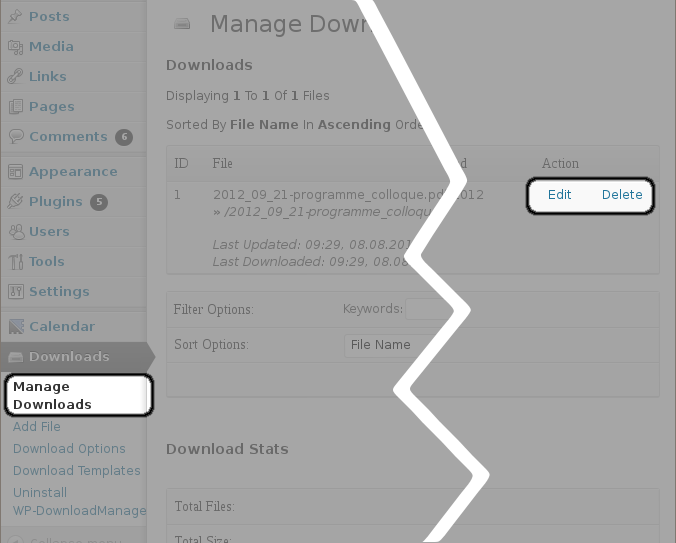
You can edit or delete each download in the “Manage downloads” section
Just one thing: please, don’t change the settings in “Download Options”!